



How do I set up a recurring investment plan on etoro?
Last updated: 12 August 2026
Not available in EN-US — showing English.
etoro clients can now set up recurring monthly investments for stocks, ETFs, and cryptoassets of their choice.
Clients can also set up recurring investments on Popular Investors and Smart Portfolios, either when making the initial investment or adding funds to an existing one.
To get started:
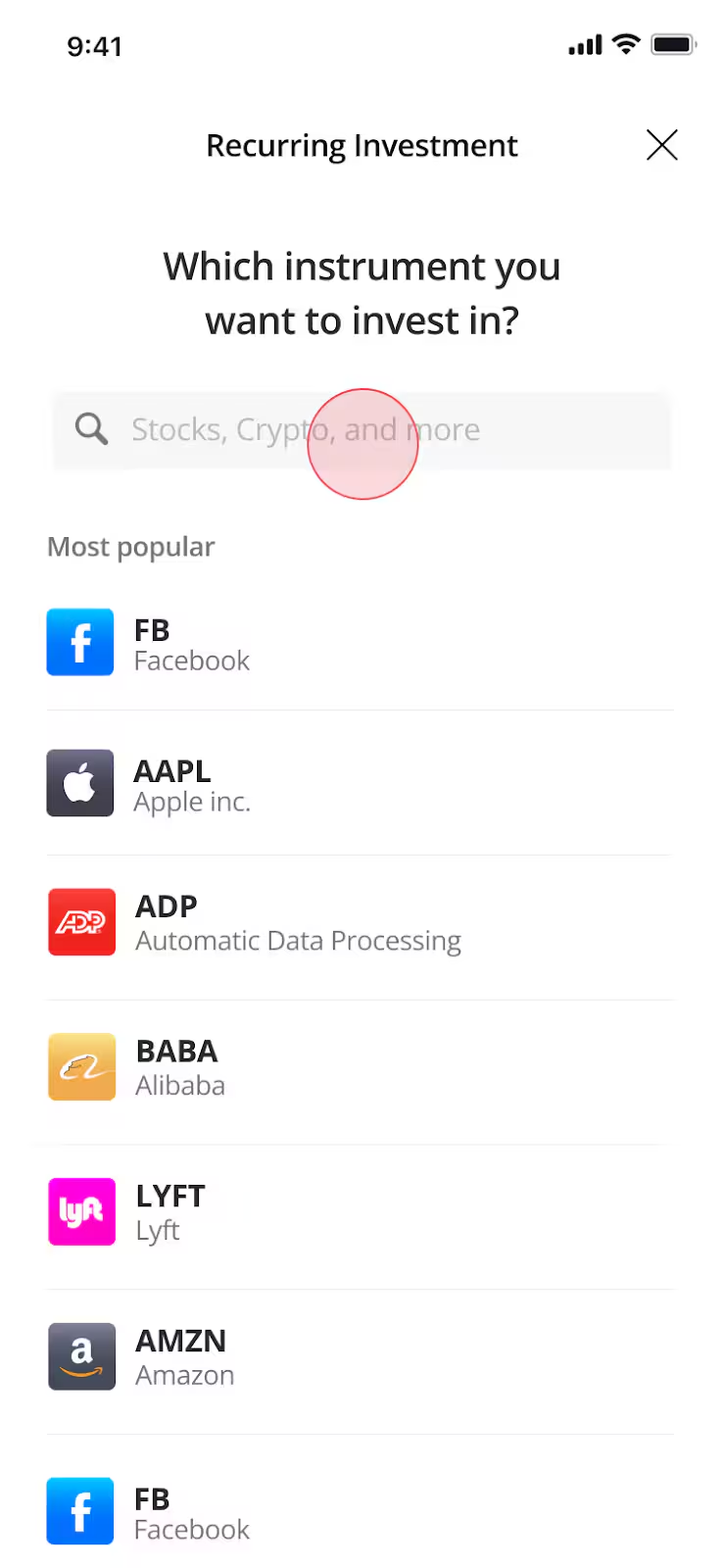
- Choose an investment amount.
- Select your desired debit or credit card to be used for the recurring investment. If you don’t have a connected card, you’ll be prompted to add one as the first step in setting up your recurring investment.
- Follow the on-screen directions to review and confirm your plan.
Recurring investments cannot be set up on the following:
- CFDs
- Leveraged or inverse ETFs
- Elevated risk stocks
Some additional notes to consider:
- When opening a trade via a recurring plan there is no commission fee for stocks. However, the fee still applies when closing.
- Clients using the Recurring Investment feature receive reduced conversion fees of 0.75% on the associated recurring deposit.
- You can edit or cancel your plan from the Recurring Plans section of the portfolio.
- If the exchange is closed on your recurring investment date, the order will be executed the next time the market opens. For 24/5 assets, execution may occur outside regular market hours if trading is available.
- If a recurring deposit fails, we may attempt to process it one more time within a few minutes. If the second attempt is also unsuccessful, the recurring order will be skipped for that month. Both attempts will appear in the Cashflows section of your Portfolio History and the status of the second attempt will be sent via email.
Only credit and debit cards can be used for recurring deposits as these are instant. Clients of etoro (UK) Ltd can only use debit cards.
Was this article helpful?
Still need help?
We're happy to assist you, whenever you need us. Choose your preferred method of contact.
Related articles
account
Are etoro Club offers available in my language?
account
Can I send and receive international payments using my local currency account?
account
Can I transfer funds from my etoro investment account or local currency account into my ISA?
account
Can other etoro customers see my etoro Club tier?
account
Corporate accounts
account