



How do I find stocks to invest in?
Last updated: 12 August 2026
You can invest in any of the more than 5,000 stocks we currently offer.
Here’s how to find stocks on the etoro investment platform:
Via the Search bar
If you know which stock you’re looking for, type its name or symbol into the search bar at the top of the screen to go directly to that stock’s page.
Via the Discover section
To browse through the stocks we offer:
- Go to the Discover page (On the web version of etoro: click Discover in the side menu. On the etoro mobile app: tap 🔎 Discover at the bottom of the screen).
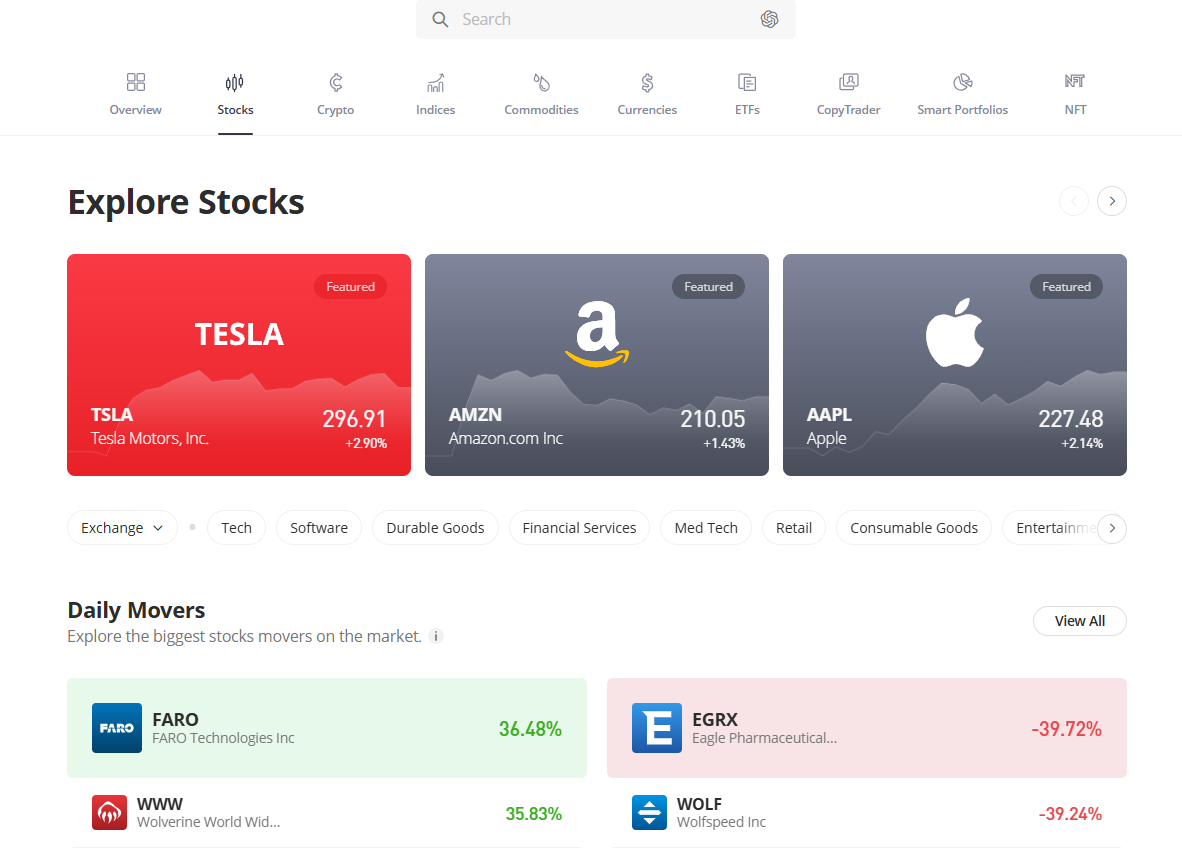
- Select Stocks at the top of the screen to view our featured stocks and preset categories.
- To open a full list of stocks, select an exchange, sector, or View All on the right side of each category.
- Refine your search by selecting the filter icon
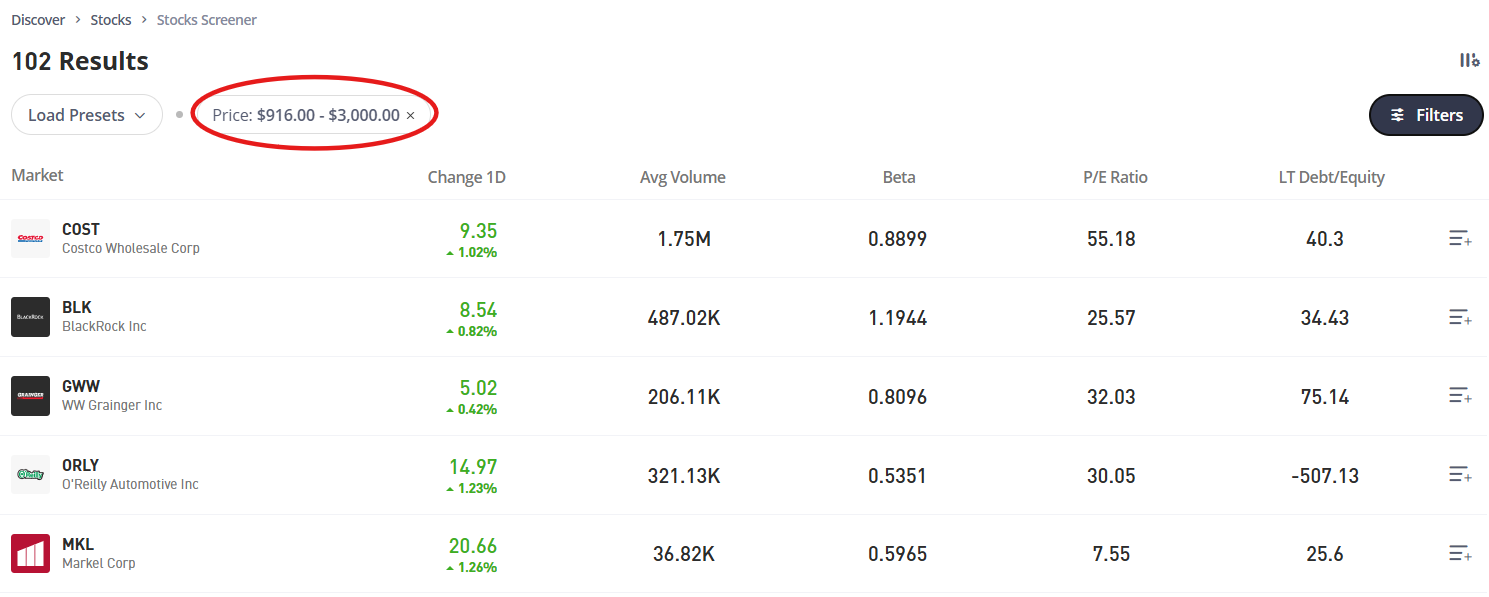
 to bring up over 20 unique metrics such as exchange, sector, and price-to-earnings (P/E) ratio. Applied filters will appear at the top of the page so you can edit them without reopening the filter menu.
- Edit displayed columns by clicking this symbol
 .
. - Select the stock you are interested in to go to its page.
etoro AI
- In the etoro AI app, tap the Discover tab at the bottom left.
- Swipe through the tabs at the top and select Stocks to browse stocks by asset class.
- Scroll down to explore assets, or use the search bar at the top right to search for a specific asset, investor or Smart Portfolio.
Was this article helpful?
Still need help?
We're happy to assist you, whenever you need us. Choose your preferred method of contact.
Related articles
trading/instruments
Can I buy etoro stock on etoro?
trading/instruments
Can I lose more than I invest?
trading/instruments
Can I vote at a company meeting?
trading/instruments
Does etoro offer bonds?
trading/instruments
How can I opt in to stock lending?
trading/instruments